
Usage
Who uses which agents and Copilot apps, how often, and in which departments.
See what your AI is actually doing: who uses each agent, what it's asked, which tools it calls, where it fails, and which prompts look like attacks - continuously, across your whole tenant.
AI observability is continuous, evidence-based visibility into AI running in production - usage, reliability, and safety - so the people accountable for AI can spot problems early and govern with data instead of anecdotes. It's the monitoring layer that makes AI governance enforceable.
Who uses which agents and Copilot apps, how often, and in which departments.
Response times, outcomes, tool success, and the error codes behind failed conversations.
Prompt-injection and jailbreak attempts, harmful-content categories, and responsible-AI blocks.
Thresholds that surface the change worth acting on - before it becomes an incident.
Sentinel pulls Copilot Studio telemetry from Application Insights and trends it over time, so every agent's usage and health is visible - and the agent that suddenly takes off, or starts failing, stands out.
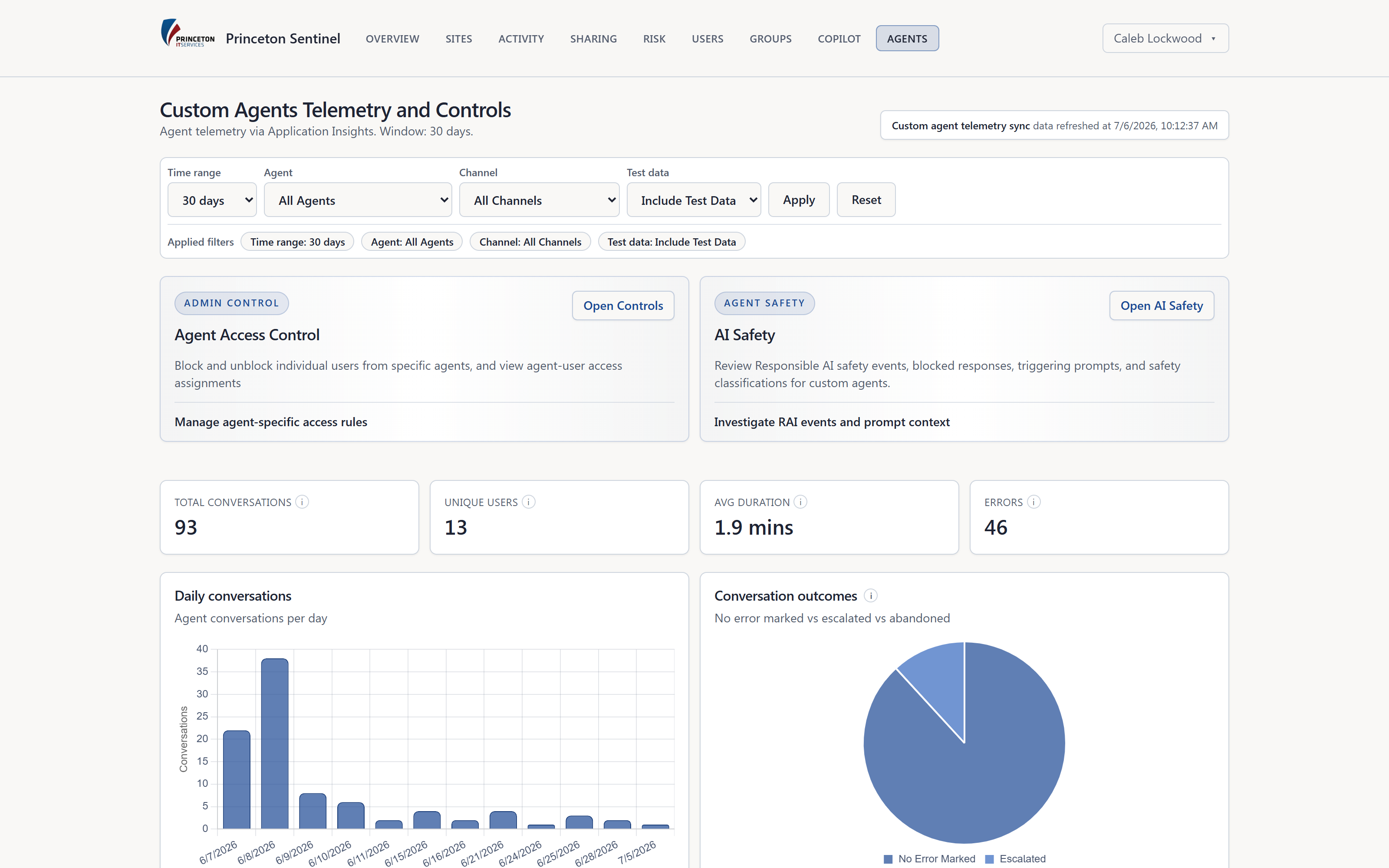
Copilot Studio blocks some attacks; others get through. Sentinel collects the platform's own safety events and runs its own classifier over every user prompt each hour - including the ones the platform let through - so your team reviews structured evidence, not screenshots in a chat thread.
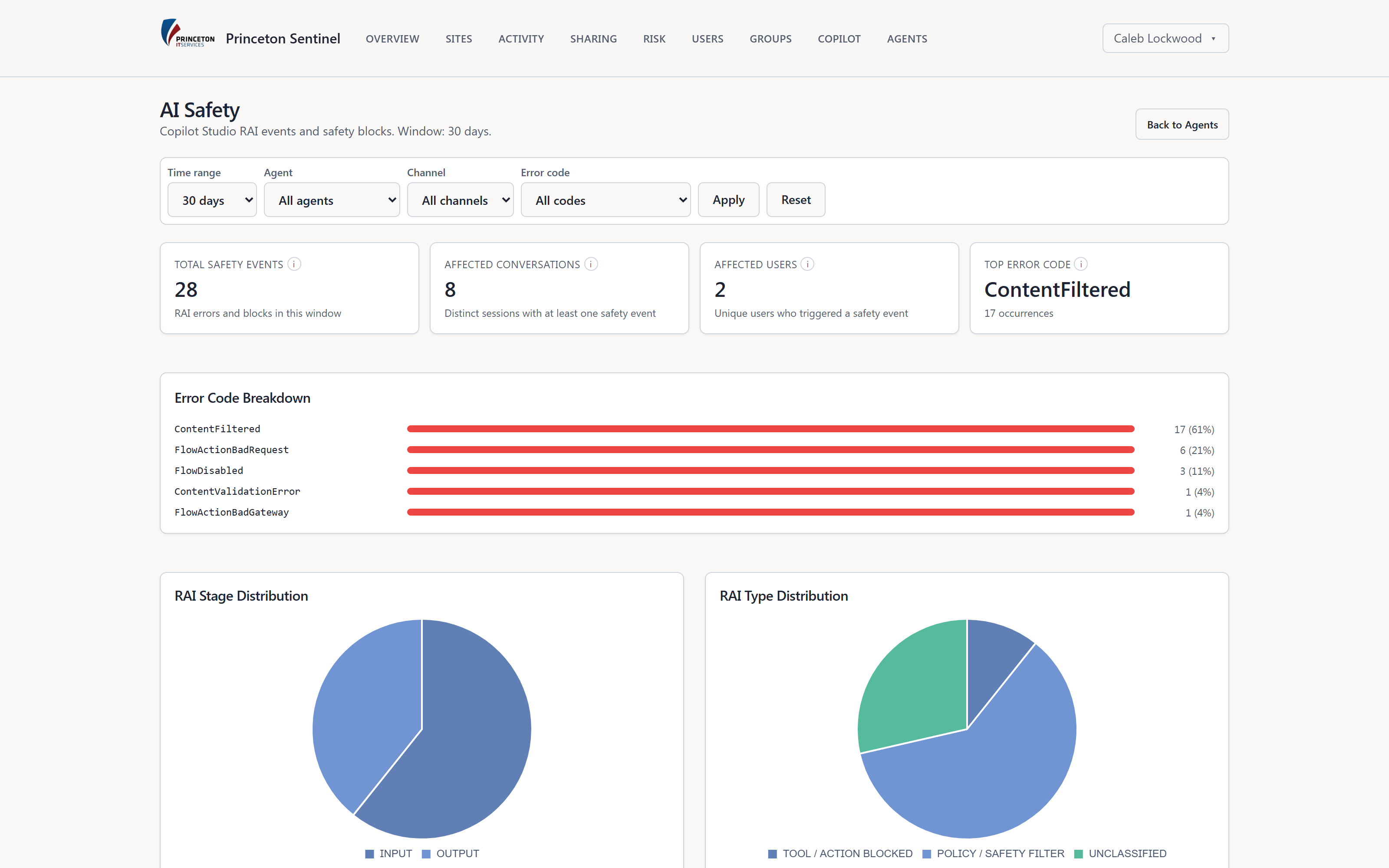
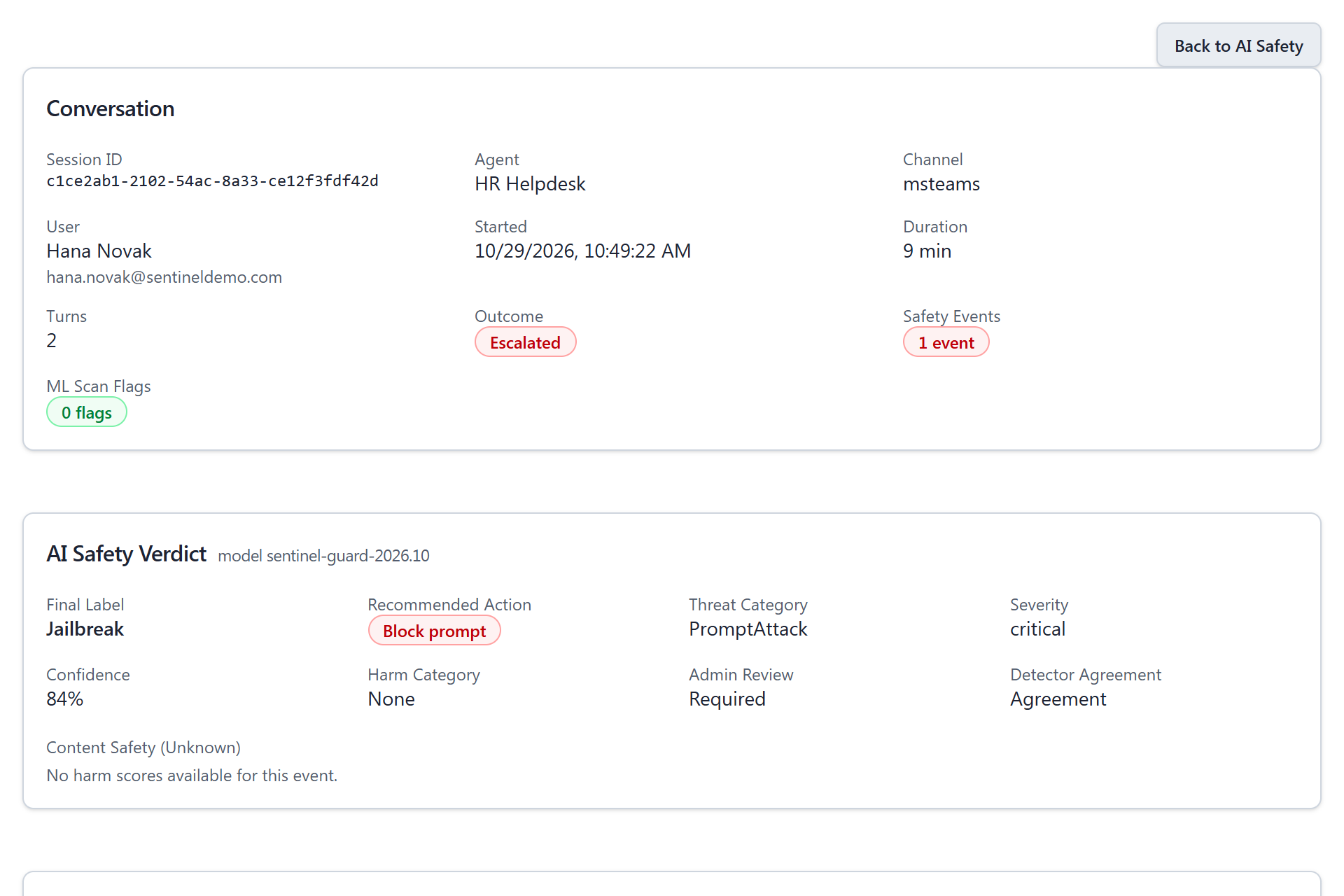
Each flagged conversation opens to its verdict and the exchange behind it, so a reviewer can tell an attack from a curious user or a false alarm in seconds.
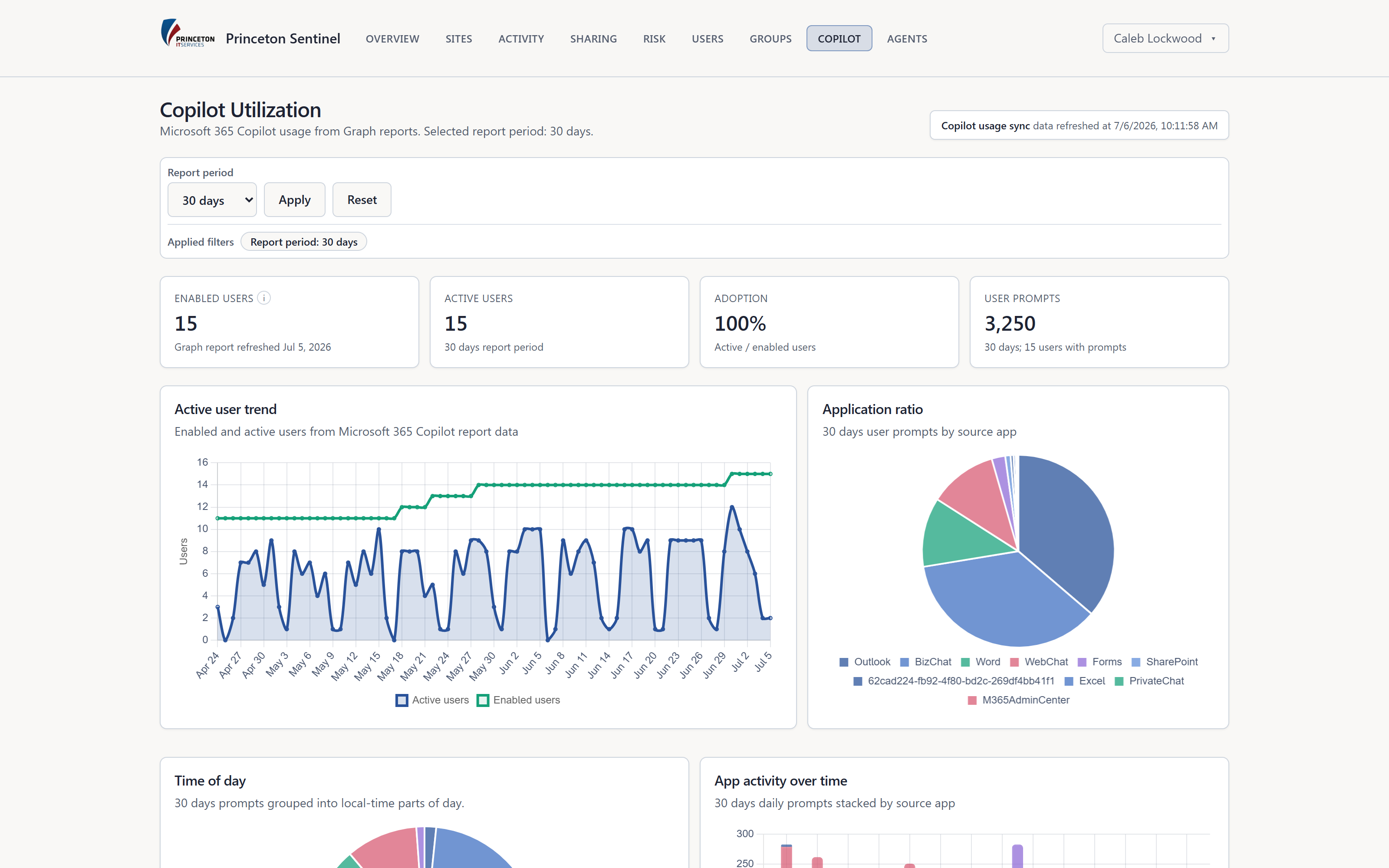
Copilot licenses are expensive and adoption is uneven. Sentinel shows who is enabled, who is actually active, and where Copilot is landing - without storing a single prompt or response.
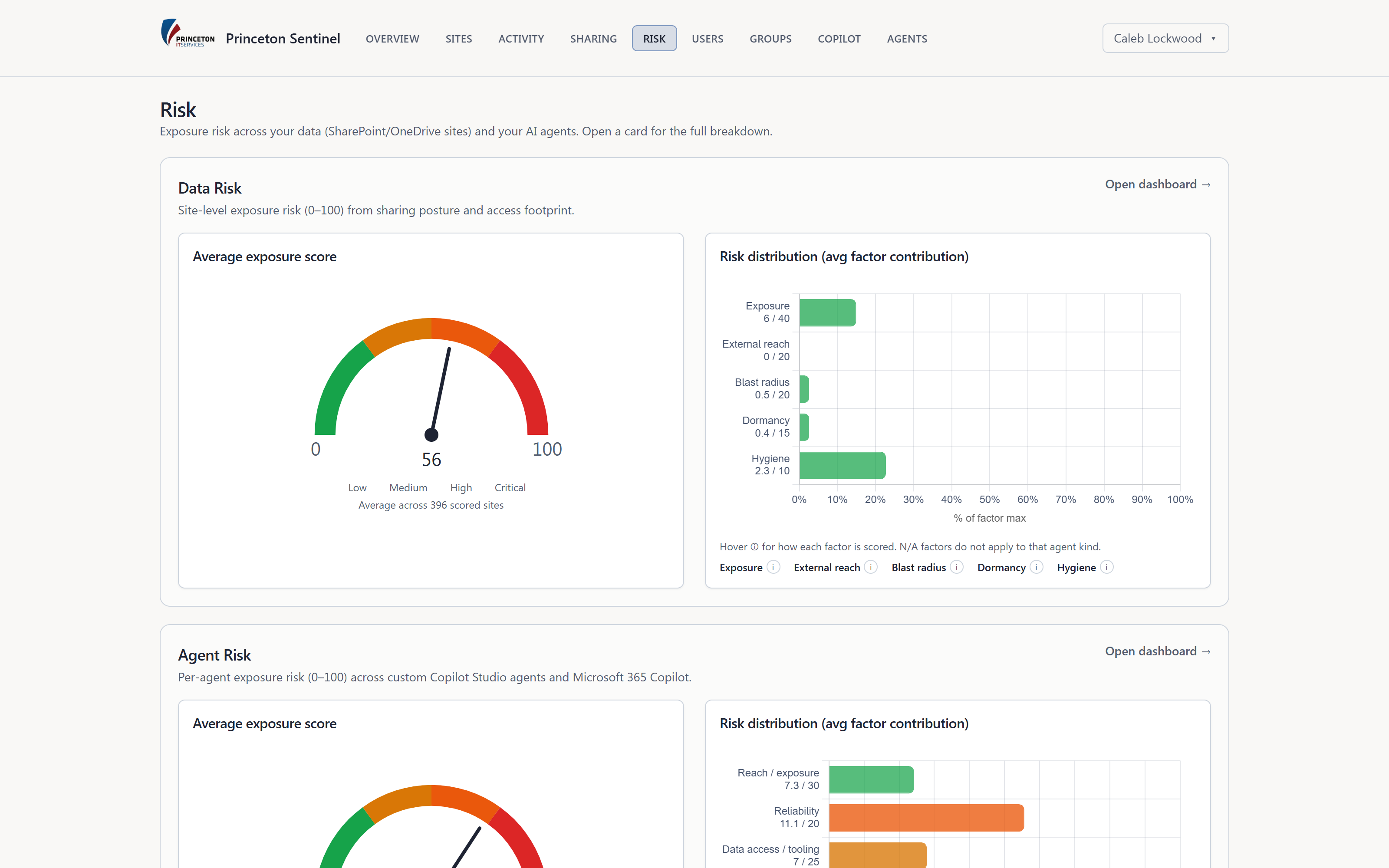
Observability only helps if someone notices. Sentinel raises agent, AI Safety, and Copilot alerts and tracks every agent's risk day by day, so the right people hear about a spike before it becomes an incident.
AI observability is continuous, evidence-based visibility into AI systems running in production - their usage, performance, reliability, and safety - so the people accountable for AI can spot problems early and act on data instead of anecdotes. For Microsoft 365, that means monitoring Copilot Studio agents and Microsoft 365 Copilot across the whole tenant.
Observability tells you what your AI is doing: usage, reliability, and safety signals. Governance decides what should happen about it: inventory, permissions, risk thresholds, and controls such as quarantine. Princeton Sentinel does both in one console - the telemetry feeds the agent risk scores, and the risk scores point admins at the agents to contain.
From the Application Insights telemetry your Copilot Studio agents emit, combined with the agents registered in Dataverse. Microsoft 365 Copilot usage and adoption come from Microsoft Graph. A scheduled worker syncs it into Sentinel's database, so dashboards query a local copy instead of live APIs.
No. Sentinel classifies prompts after the fact - it doesn't sit inline in front of Copilot. When it finds a prompt-injection attempt, a jailbreak, or harmful content, admins can block that user from the agent or quarantine the agent, and the action is logged.
Microsoft 365 Copilot prompt and response text is never stored - only usage counts. Copilot Studio conversation text used for safety classification is visible to admins only and is deleted after 90 days by default.
Agent inventory, shadow agent discovery, permission review, quarantine, and audit evidence.
Explore AI governanceRisk-score Copilot Studio agents and contain the dangerous ones with audited controls.
Explore agent securityScore every SharePoint and OneDrive site and revoke the links Copilot shouldn't see.
Explore data riskWe'll walk agent telemetry, prompt-attack classification, and Copilot adoption on a tenant that looks like yours.